Reference Camera System for Automotive Image Sensors
Sony's Reference Camera System can be used to easily develop and verify algorithms for autonomous driving using Sony Automotive Image Sensors.
How to create an Automotive image sensor account
Follow the step-by-step instructions below to create an automotive account.
1. Start registration
To start the registration process, click the Register button.

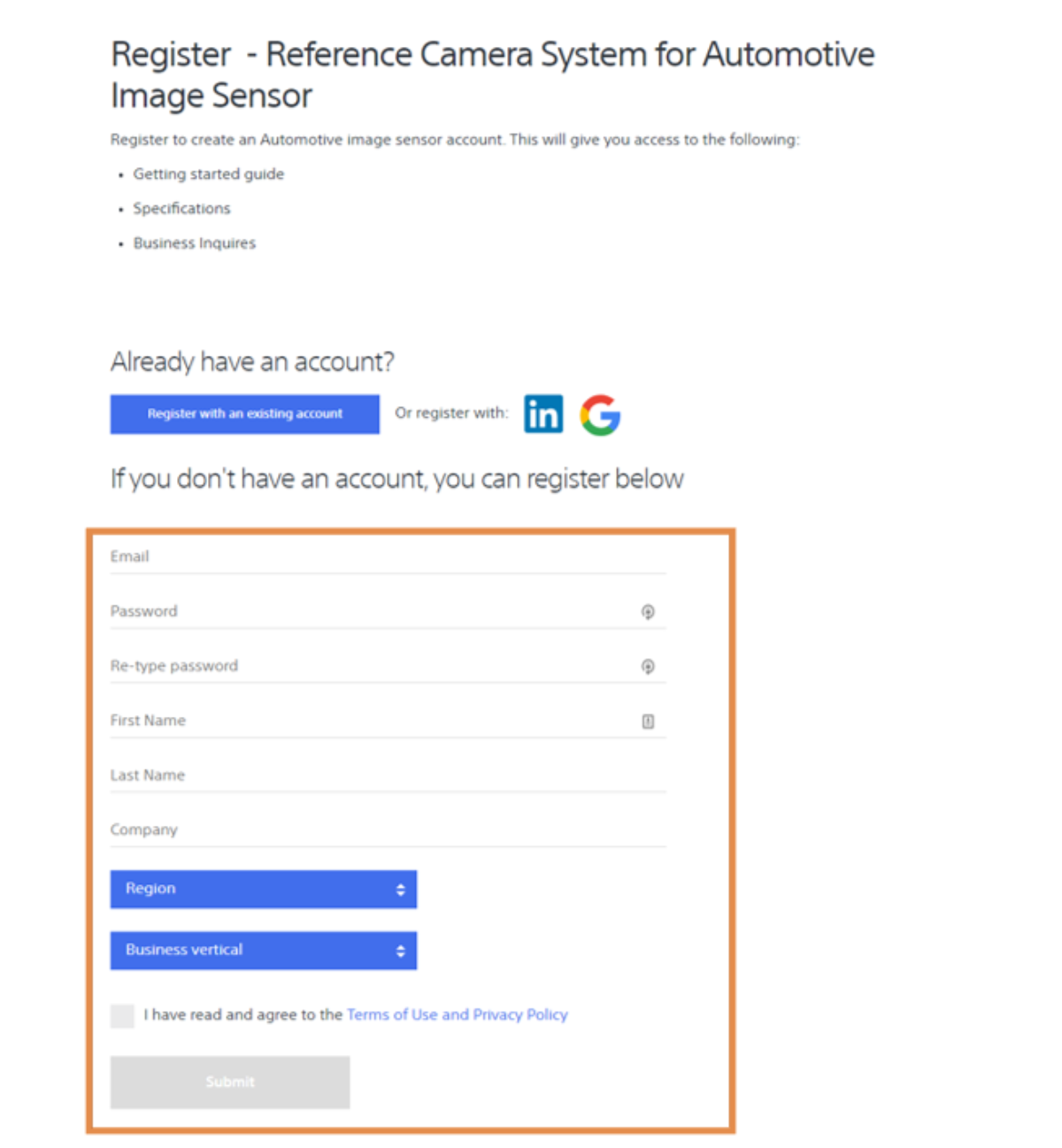
2. Enter your contact information
Enter your contact information and click Submit.
Note: For best support it is important that you use your business email address when creating an account.
3. Verify your email address
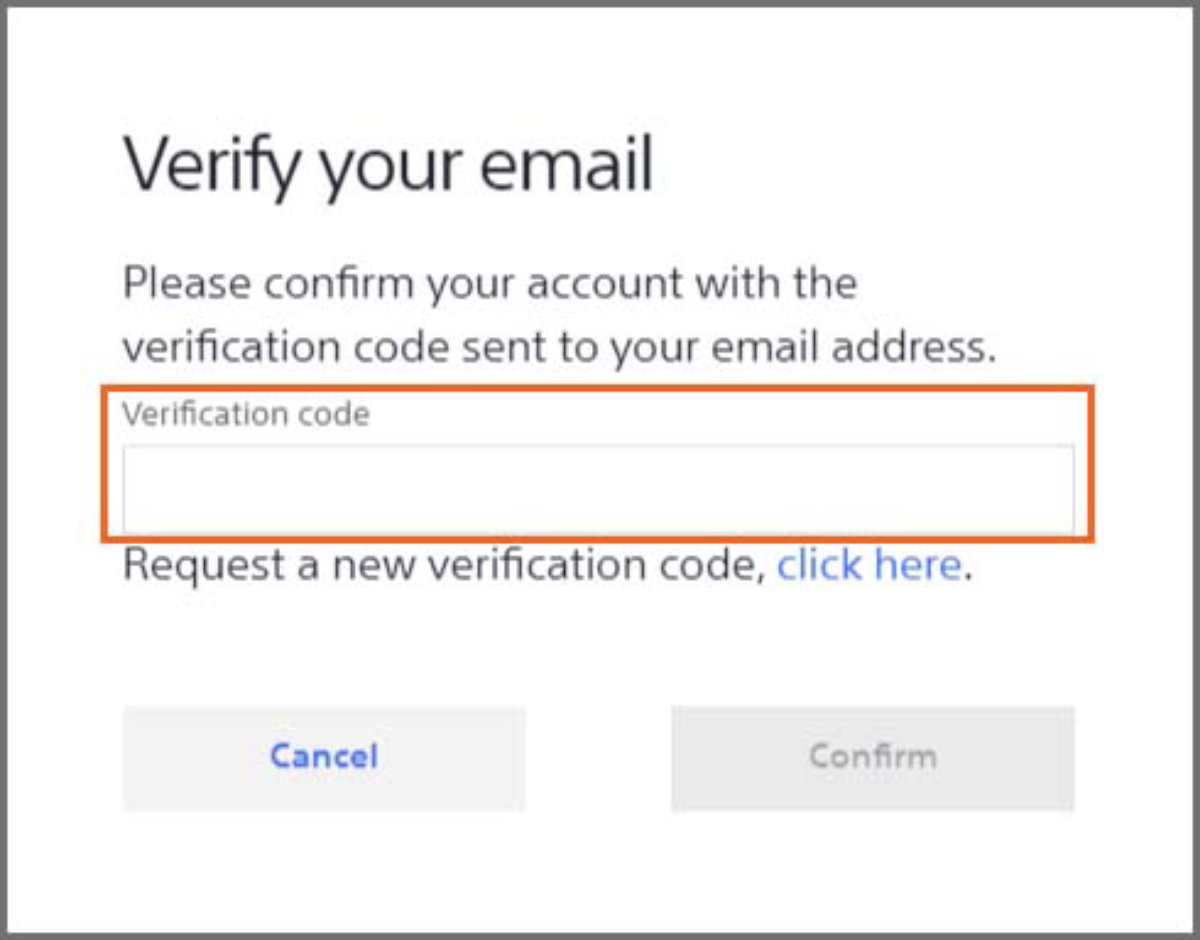
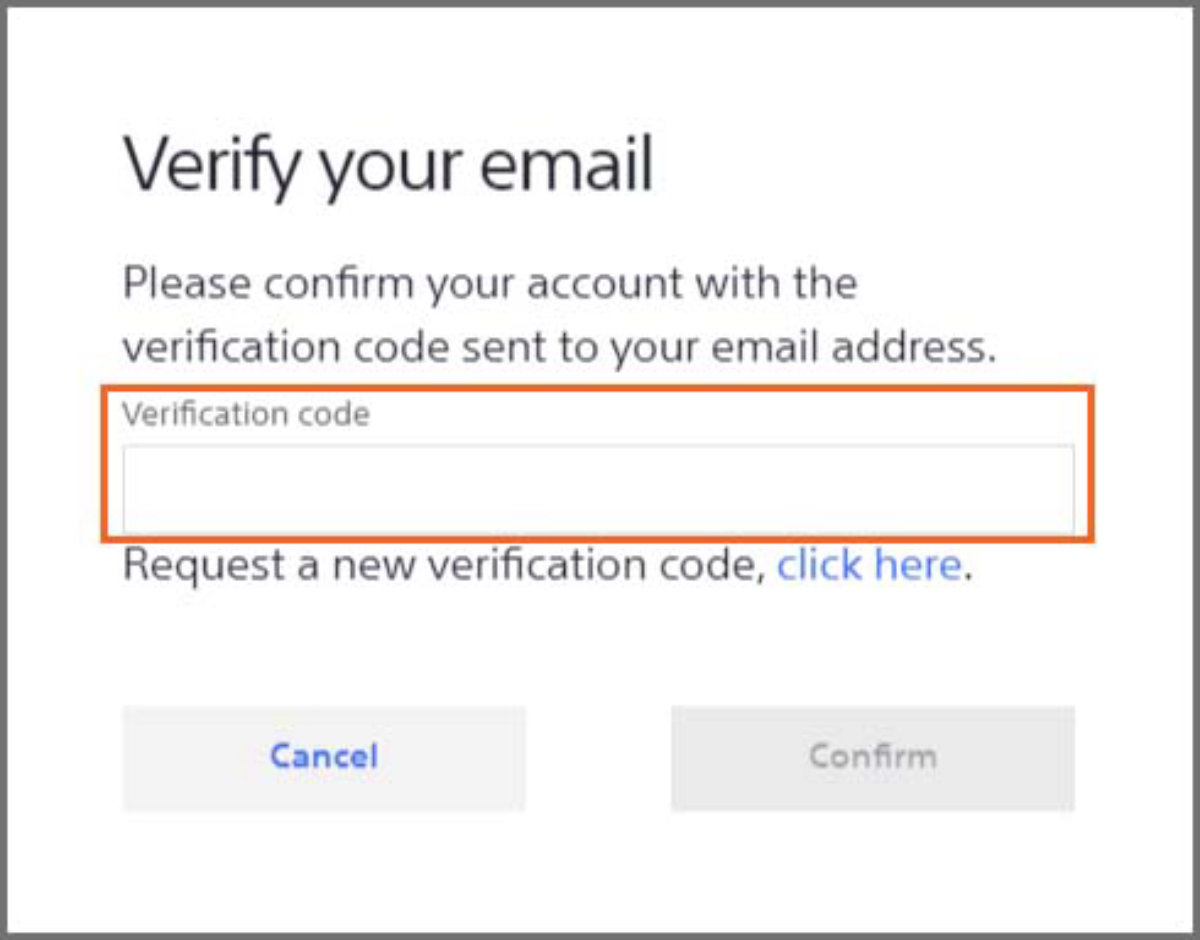
Enter the verification code sent to your email address and click Confirm.
4. All set! Request access to even more content
You are now all set with your Automotive image sensor account! You are now able to create business inquiries to apply for more content as well as direct support.